
Choose a model for each shot
Choose a video model based on visual style, motion, duration and budget.
Choose a video model for each shot. Guide supported models with keyframes, reference images and motion descriptions. Generations run in the background, and you can retry individual shots while keeping the rest of your episode.
A welcome gift for creators
1,000
creation credits
Your first story starts here.
Sign up for free credits to use on AI scripts, images, storyboards, and video.
One gift per new account. Added automatically.
For a standalone clip, open the AI video tool and start with a text prompt or reference images supported by your chosen model. Choose the duration and aspect ratio, then review the result. Available reference and audio options depend on the model.
For a short drama, work from the project’s script, characters and storyboards. Confirm each shot’s keyframes and action, generate and review its video, then assemble the episode. Keeping shots separate lets you revise a scene without regenerating every video in the series.
Choose a video model based on visual style, motion, duration and budget.
Your project saves generation progress, results and errors. Return after a page refresh to review results or retry a failed shot.
The video model generates each shot with native audio, followed by subtitles, shot review, and full-episode export.
Confirm the characters, scene, first frame, last frame and direction of action.
Choose the video model, reference mode and duration, then start generating your shot.
Regenerate only the shots with problems, then export the full episode after subtitles are complete.
Generation time depends on the model, clip duration and current demand. Your generation runs in the background, and the page updates its progress automatically.
Progress checks retry automatically when it is safe to do so. If a shot fails, its status stays in your project so you can review it and retry that shot.
Yes. Your balance is checked before generation. Images and videos are billed for actual model usage, even if quality checks fail. The same call is never charged twice.
Yes, with a model that supports image references. Supply the reference image, describe the intended motion and select supported duration and aspect-ratio settings. In a drama project, you can prepare storyboard keyframes before generating each shot.
A video request generates a clip within the selected model’s duration limits. To create a longer episode, plan multiple shots, generate and review the clips, then assemble them in the drama project.
Maya reaches the station as the last train arrives. An envelope slips from her coat. A stranger picks it up, reads the name and calls out. Maya turns: the letter is addressed to someone she thought was gone.
Review Maya’s appearance, the station and each shot’s first frame before generating motion.
Choose the model, duration and supported audio options for each shot. Check action and dialogue before proceeding.
Check continuity, audio and subtitles. Regenerate only the shots that need changes, then assemble the episode.
Use this sequence as a starting point. Edit the script, character references and shot plan before spending credits on video.
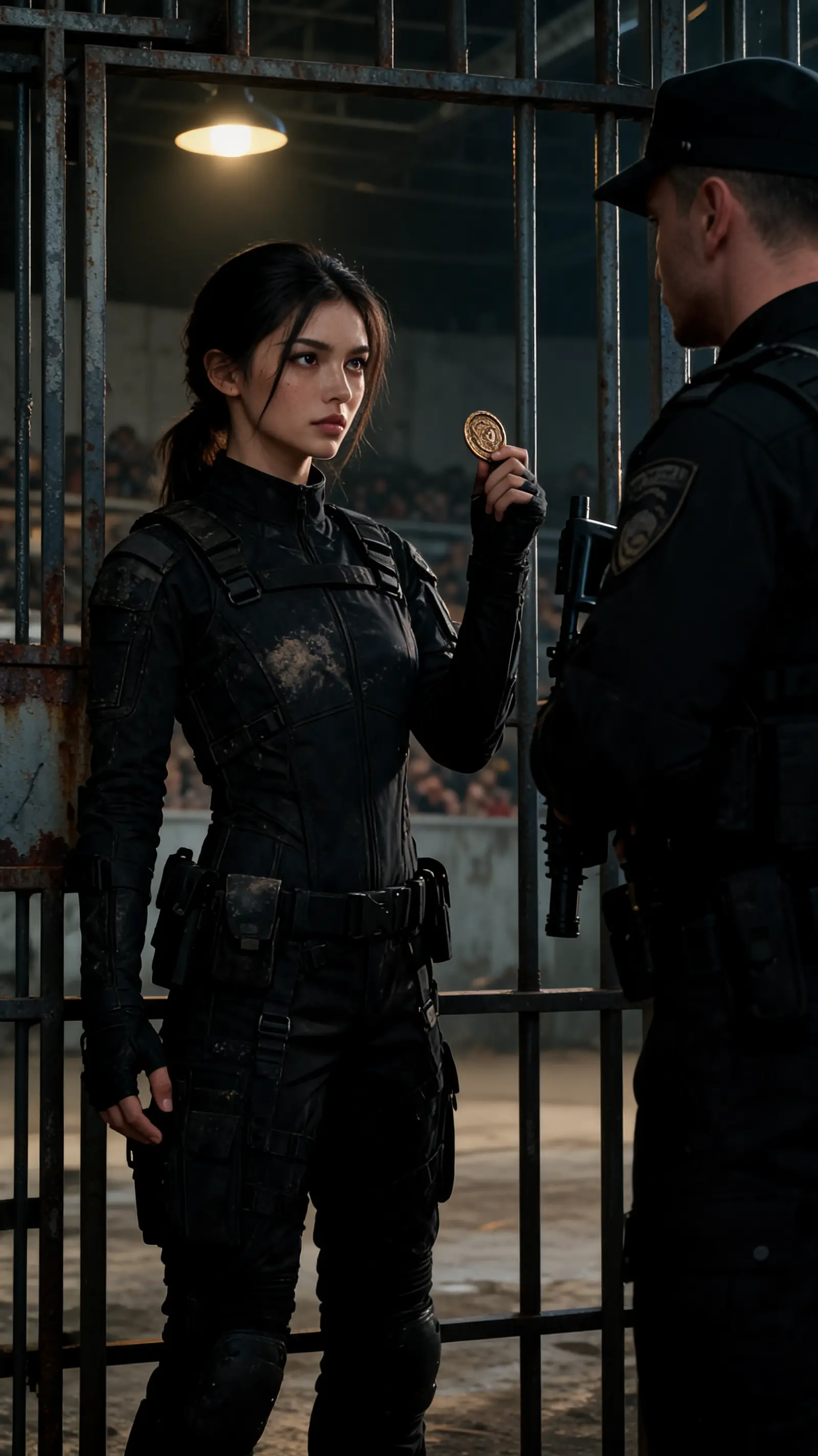
Matapos mapaslang ang pamilya, nagbalik si Mia upang pasukin ang sindikato ni Gregory. Sa paglabas ng lihim ng nakaraan, sisingilin niya ang bawat may sala. Sino ang mananaig sa madugong paghihiganti?
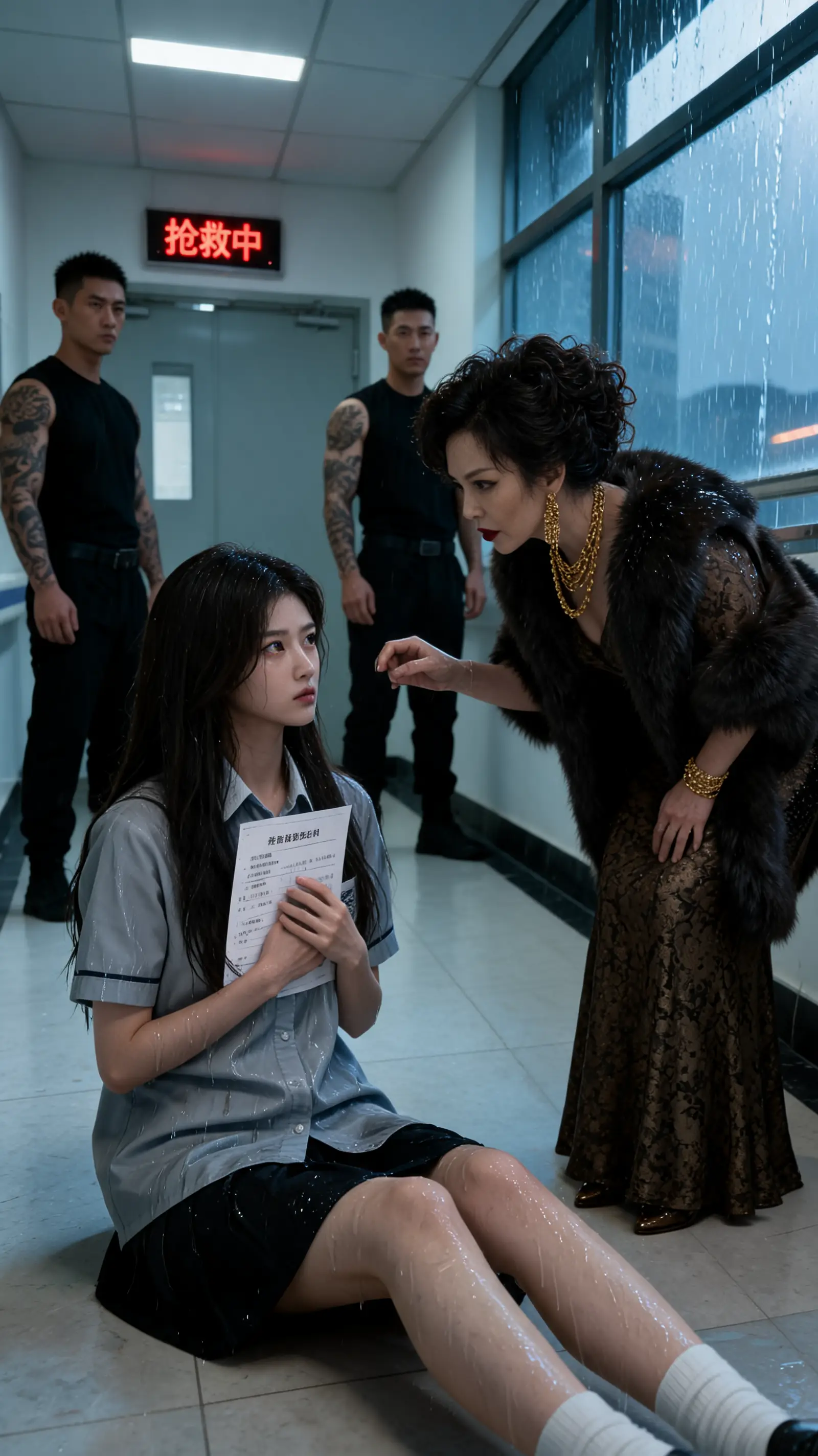
18岁少女苏晚意为救病危外婆,被迫签下契约嫁入豪门冲喜,一跃成为掌管门阀玉印的陆氏主母。当杀伐果断的全球首富陆淮沉归国,震惊发现白天偶遇的心动少女竟成了名义上的新后妈。面对各房叔伯的夺权阴谋、家族身世的动荡迷局与层层险境,清冷坚韧的小后妈与冷峻偏执的霸道总裁联手破局,在伦理拉扯与极致试探中,迎来反转惊天的世纪绝恋。
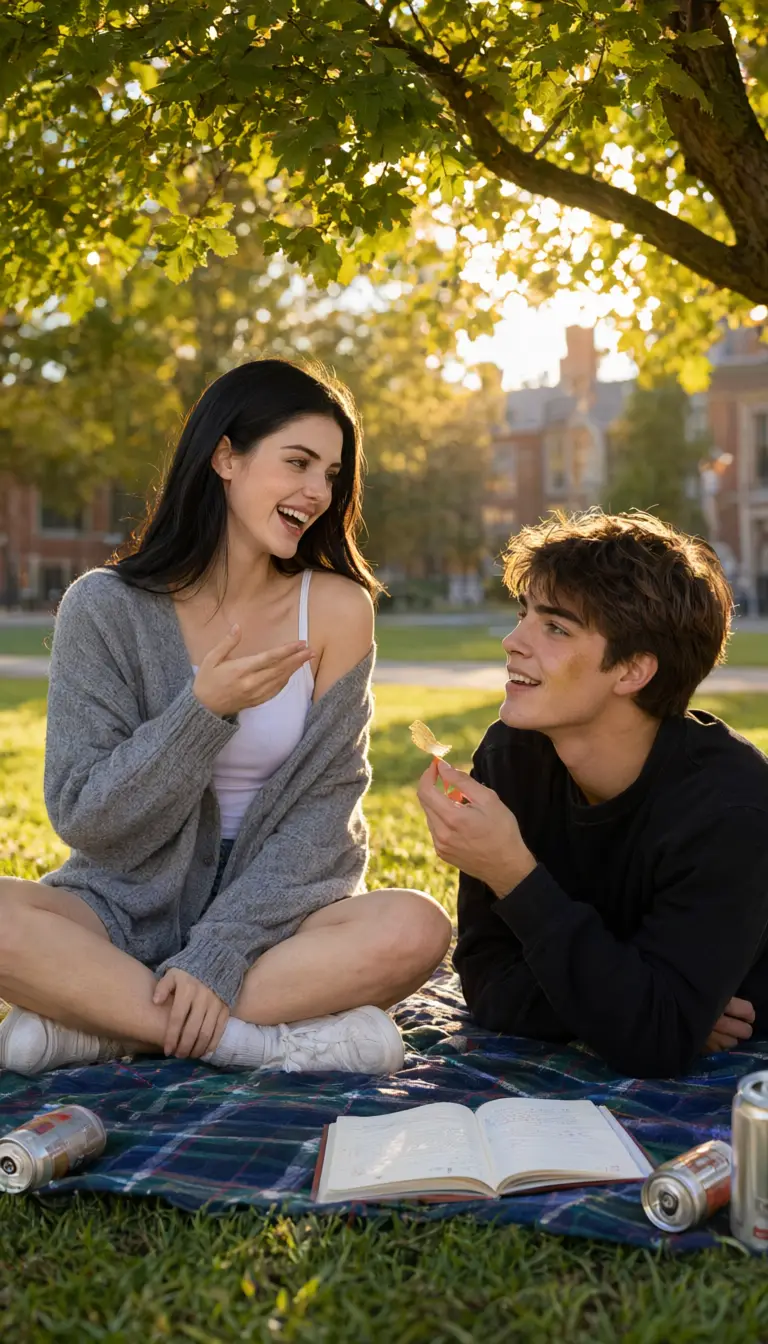
Devastated by her boyfriend's betrayal, college student Ana finds unexpected solace in his best friend, Nick. As late-night chats spark deep feelings, jealousy and loyalty collide, forcing them to risk everything to discover if they can become more than friends.